
Color Lock · for AI photo and video
Upload your original or reference and the AI edit. Color Lock gives the edit the exact colors of the reference, keeps everything the AI added, and runs in your browser. Your images are never uploaded.
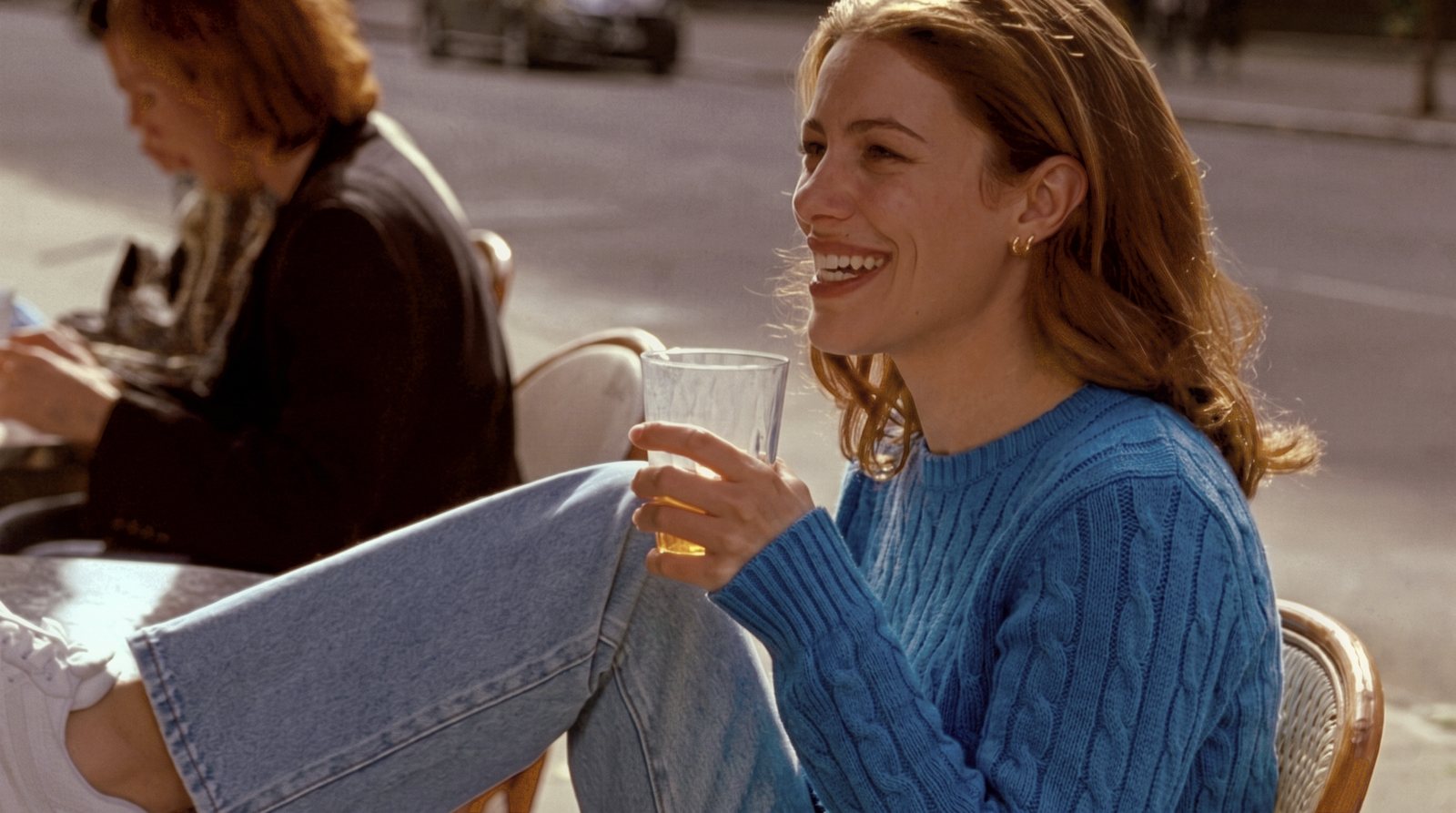
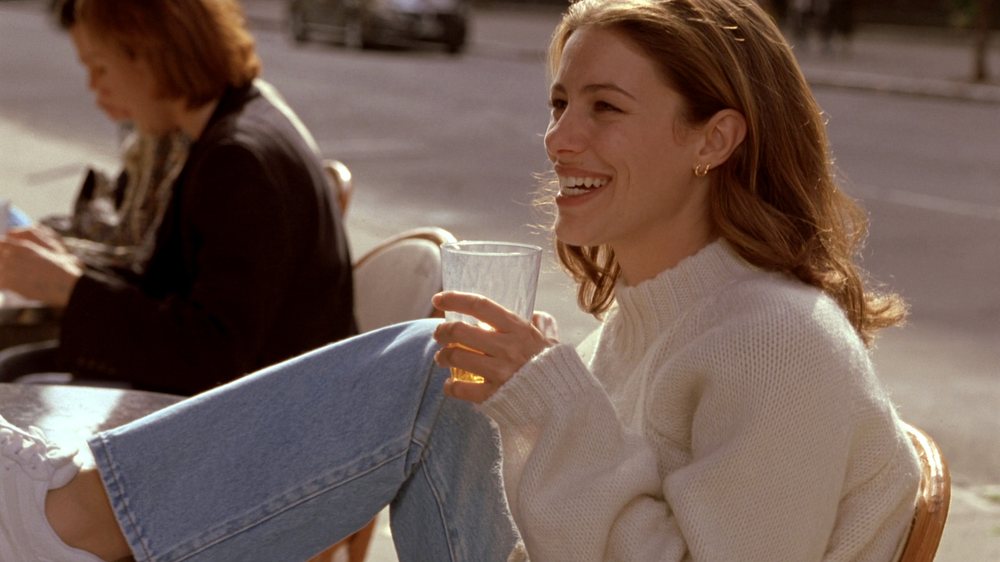
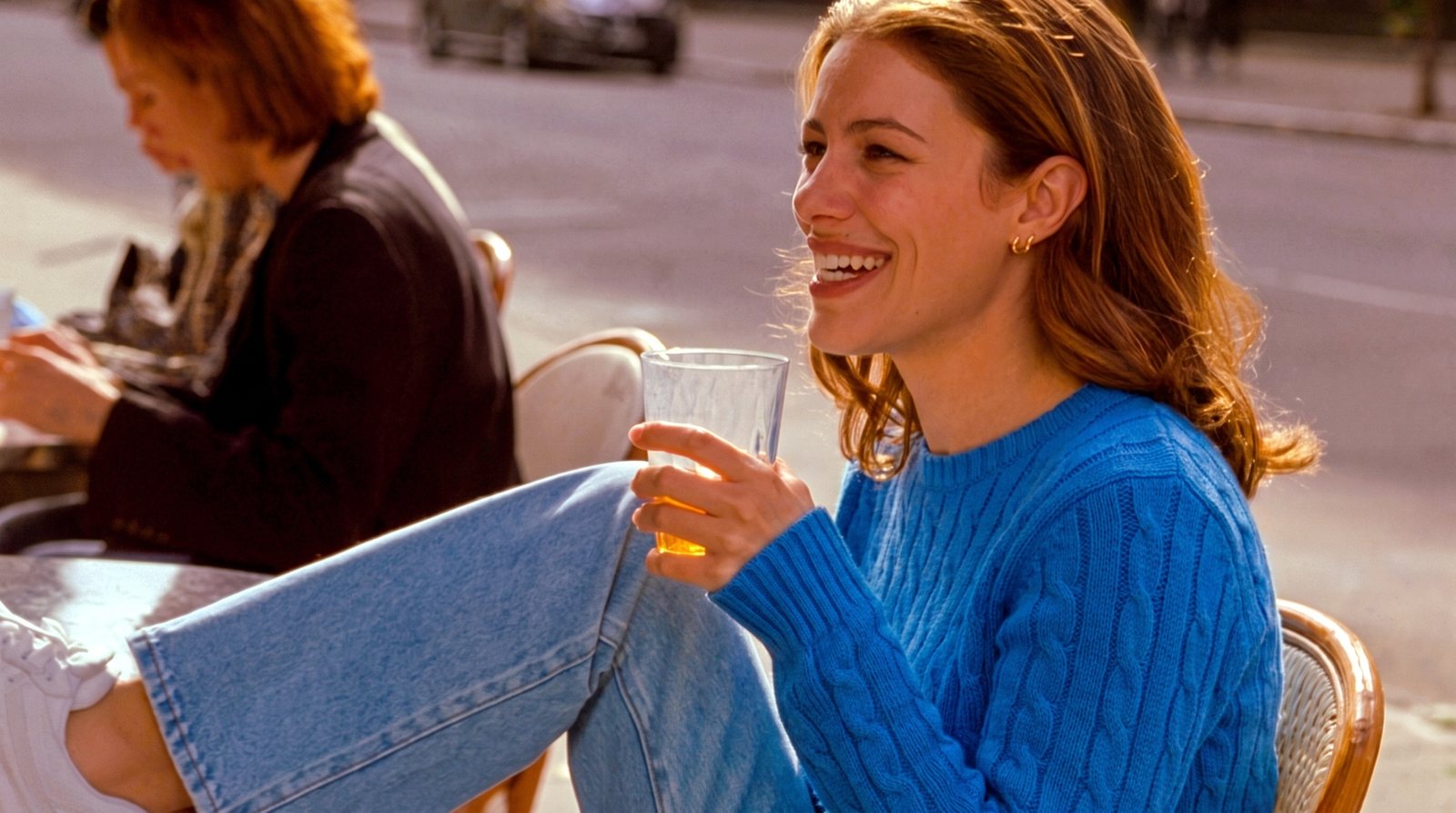 AI EDIT
COLOR LOCK
AI EDIT
COLOR LOCK
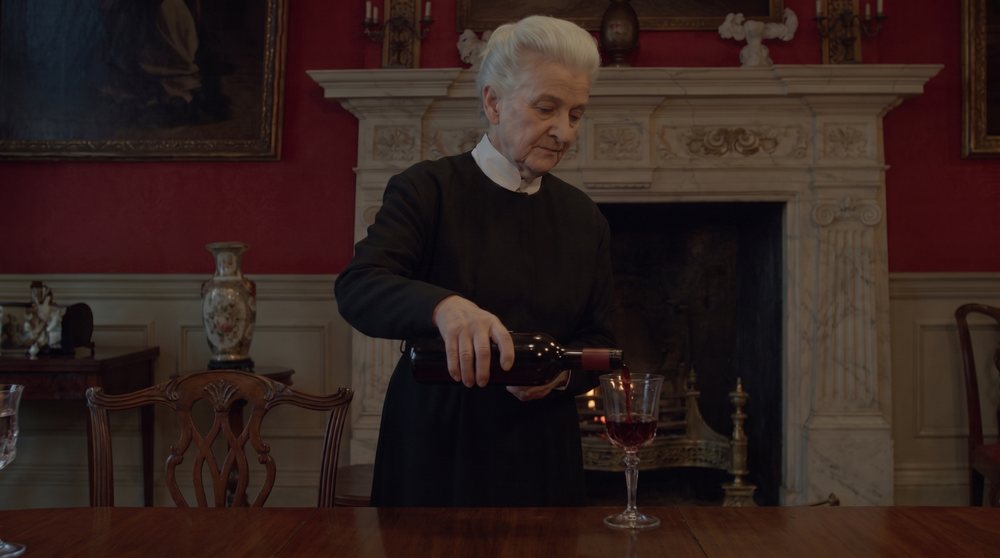
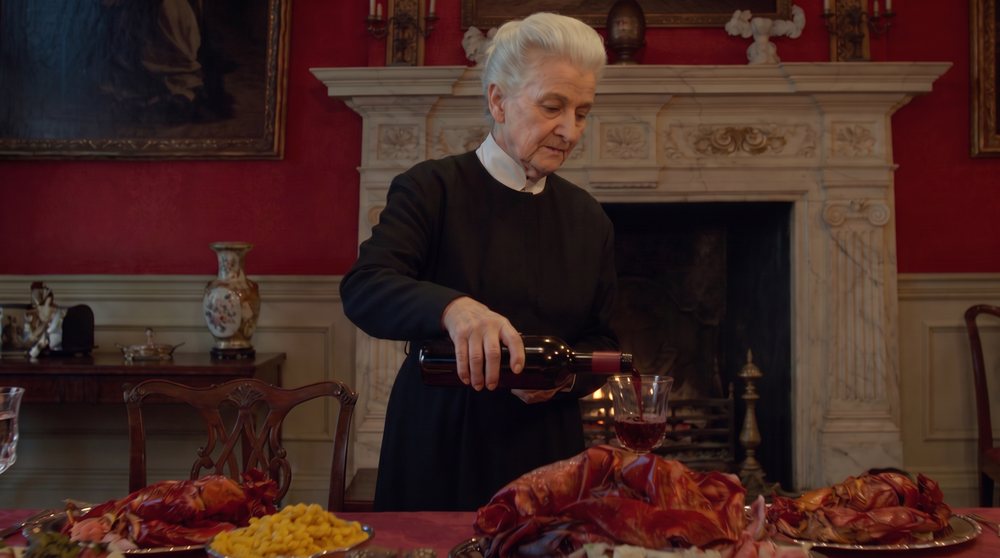
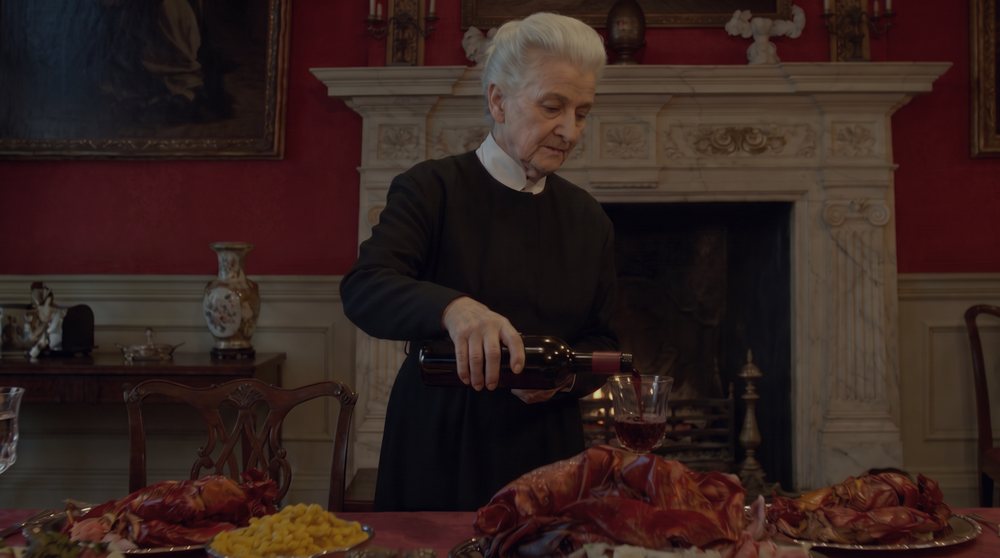
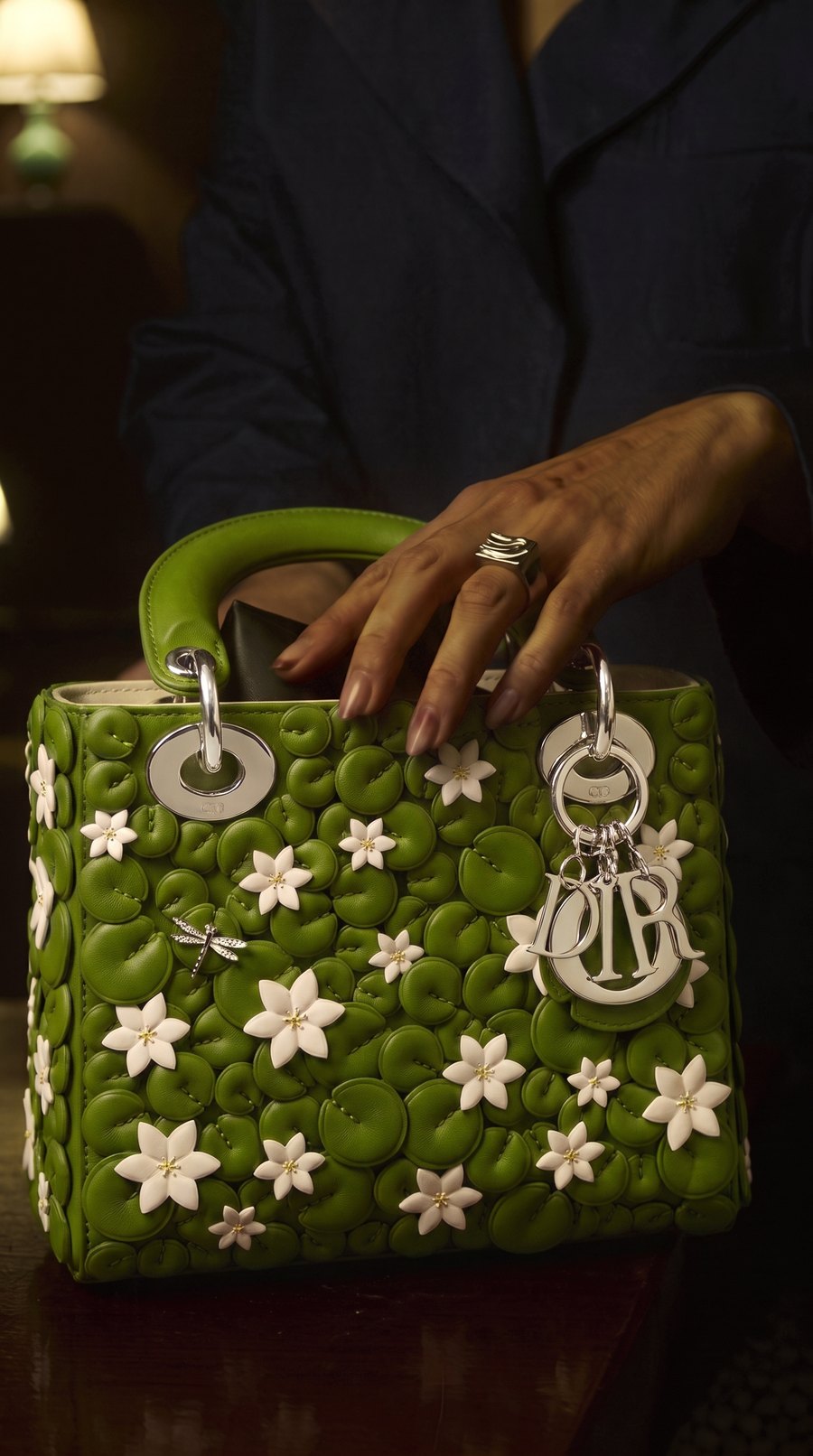
The bag was lit like a studio shot: bright, flat and cold silver, in a dark room lit by one warm lamp. Product Blend relights it with the scene's own light. The green dims to the room's level, the shading falls away from the lamp, and the silver turns warm and dark, reflecting the room.
Tap the product, press Blend. The bag itself, its shape, color and every detail, stays exactly the same.
Try Product Blend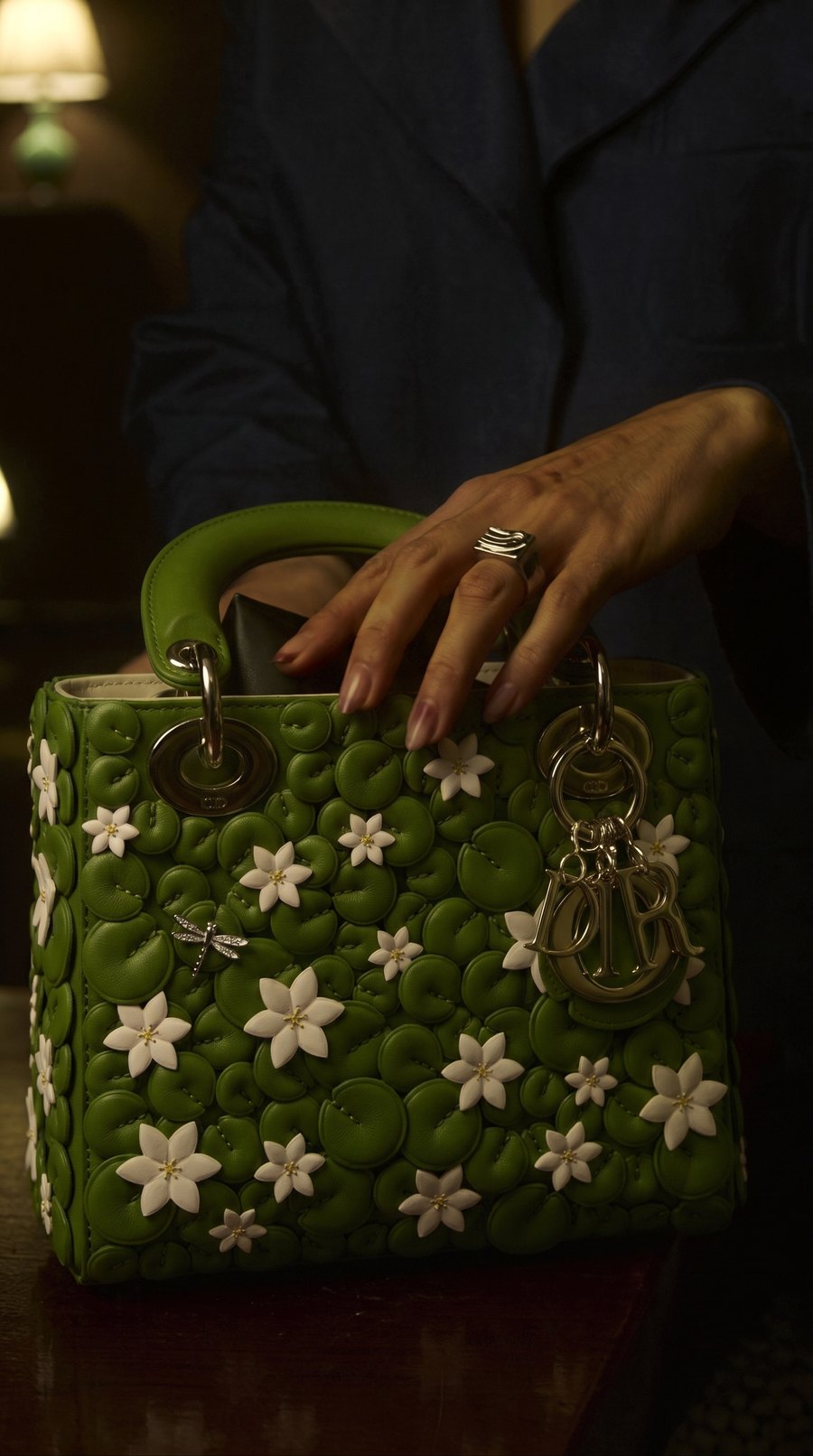
 BEFORE
PRODUCT BLEND
BEFORE
PRODUCT BLEND
Skin turns orange, greens go neon, the grade from shot three never matches shot four. These are real tests, measured the same way.
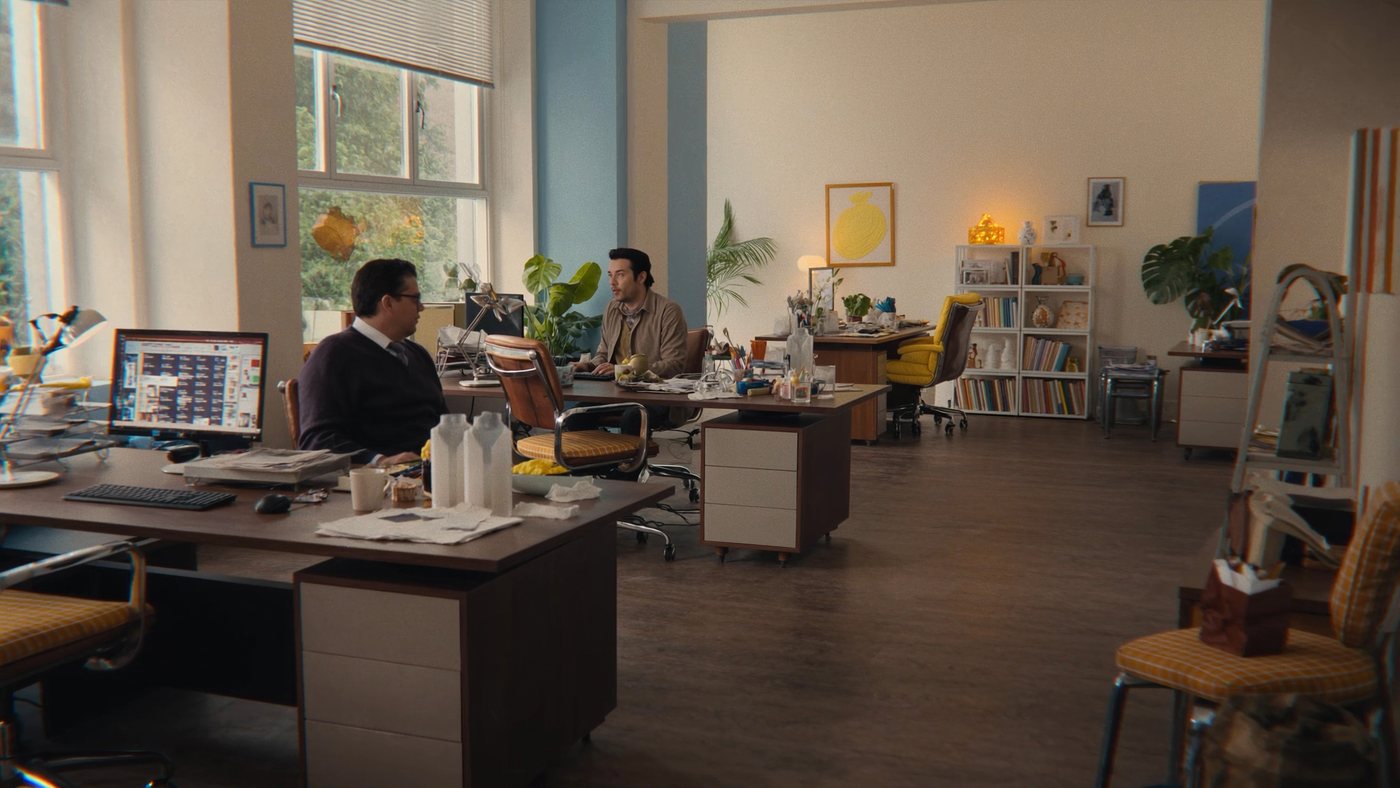
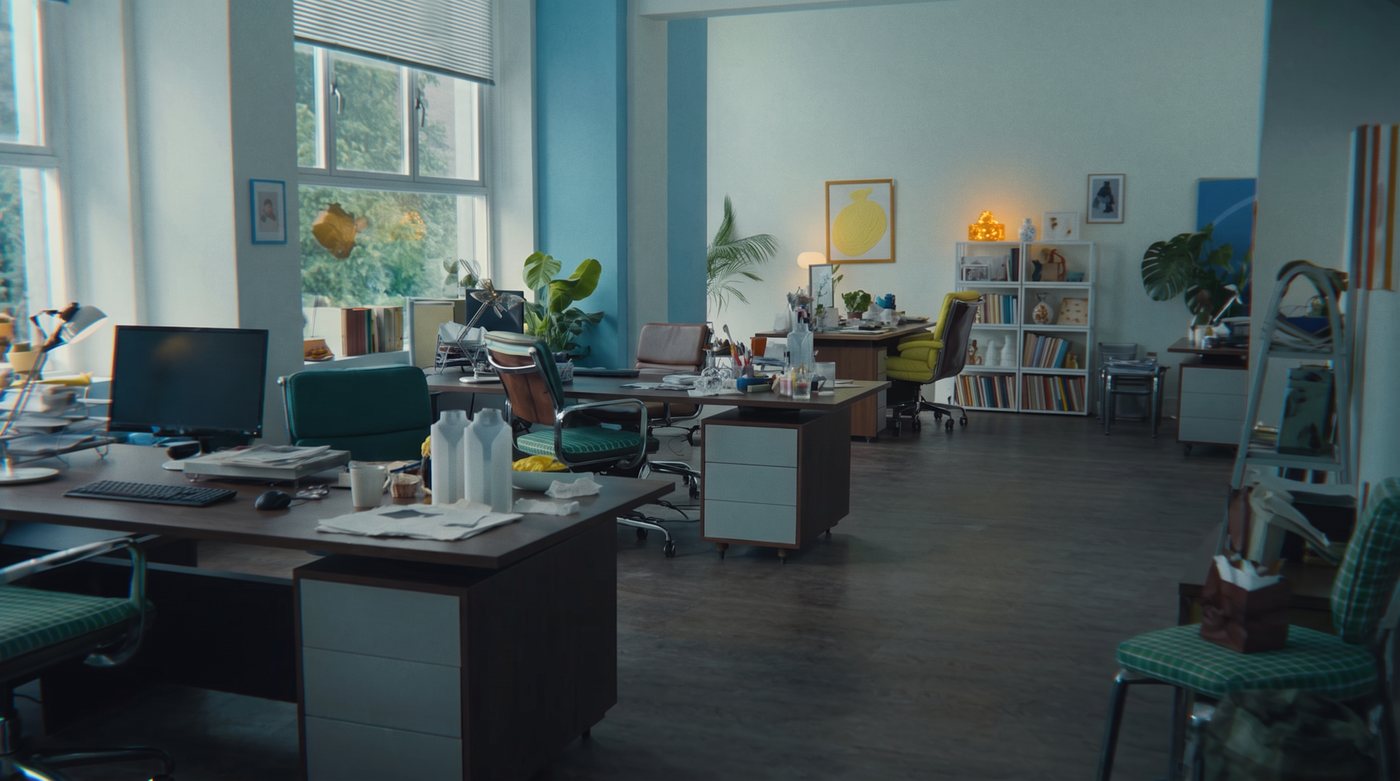
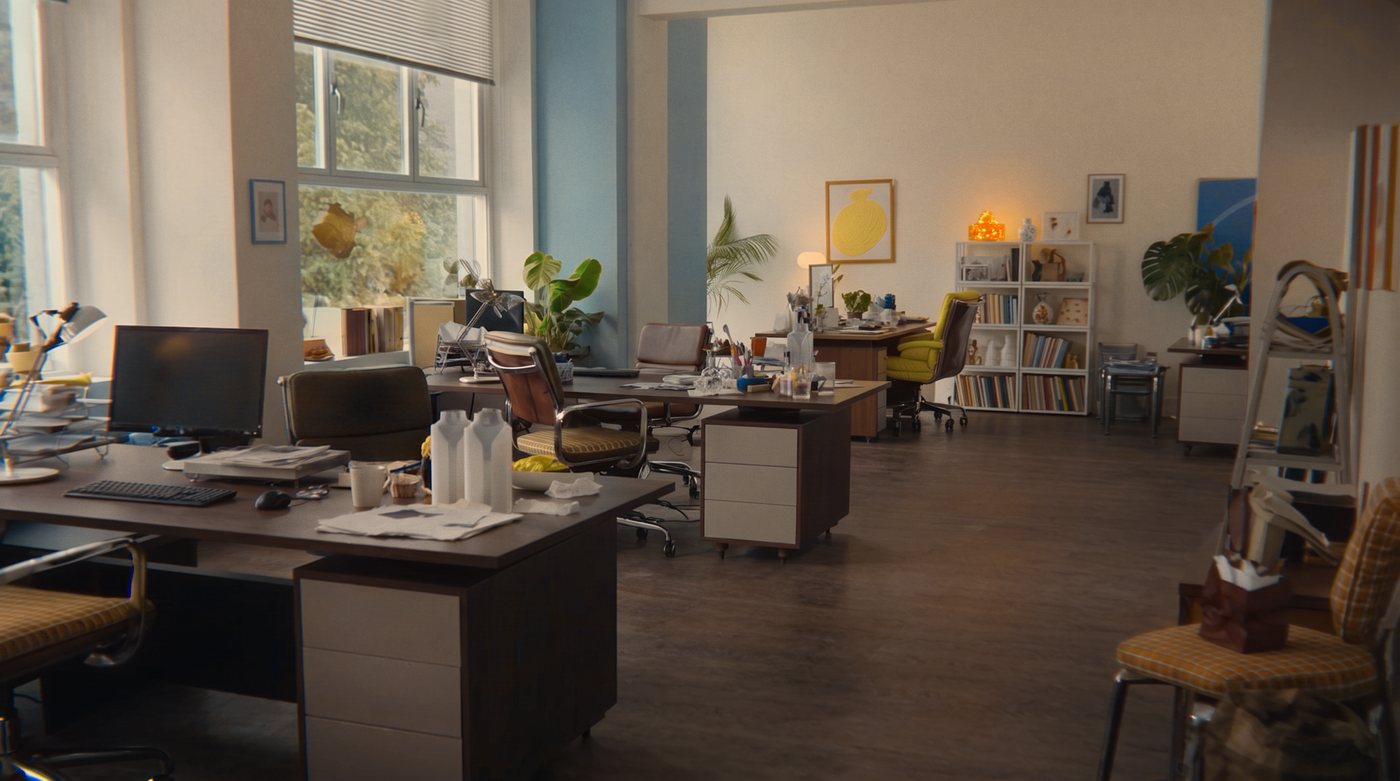
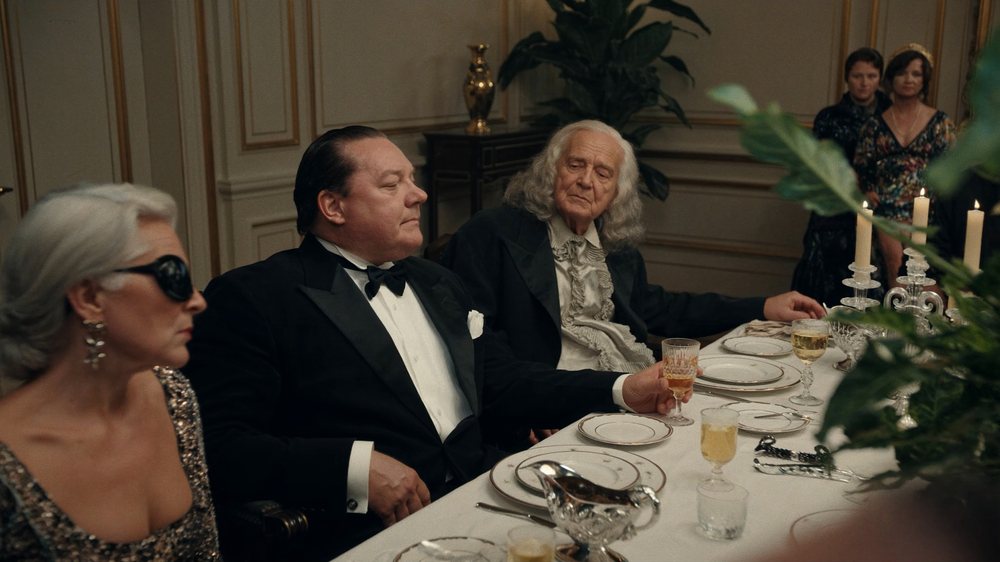
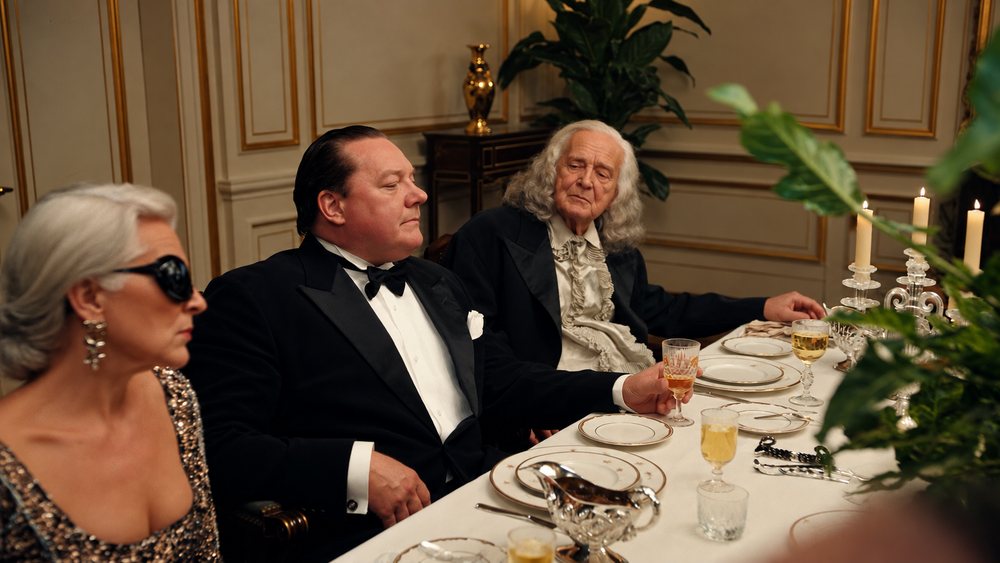
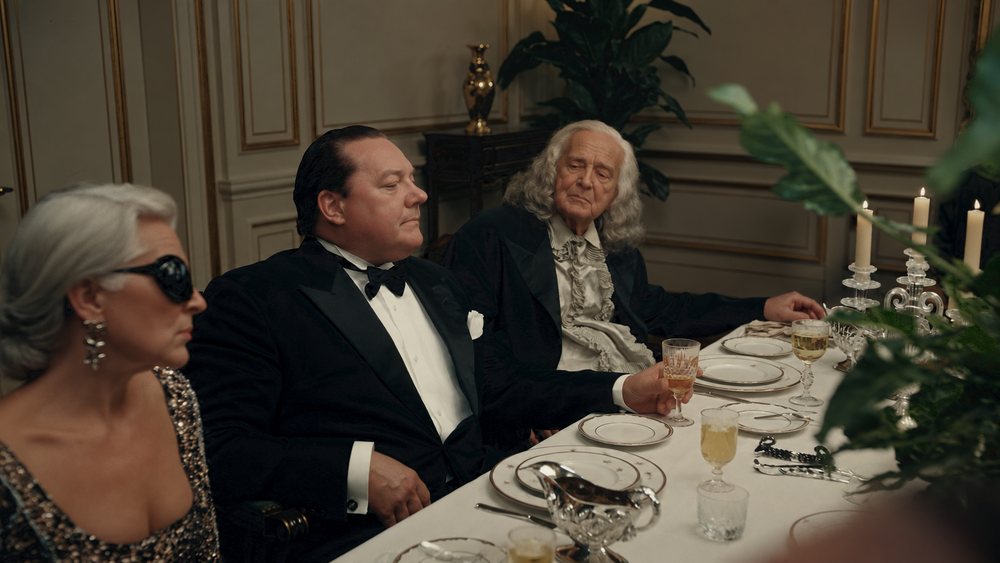
The original photo and its AI edit, or a reference shot and the frame that should match it.
Walls, sky, skin, floor: everything both images share teaches the correction. What the AI redrew is left alone.
Save at the reference's exact size or the frame's own, and take the grade to DaVinci, Premiere or CapCut as a .cube LUT.
Photos today, video next. Everything runs in your browser, and your images are never uploaded.
Gives an AI edit the exact colors of its reference, region by region, and keeps what the AI added. Coming to video: lock every frame of a clip up to 15 seconds to one reference, with no flicker.
Live for photos · video soonOpenLight, white balance, curves, lift, gamma and gain wheels, and hue, saturation and luminance for each of eight colors. Coming to video: grade once, apply to the whole clip.
Live for photos · video soonOpenAdd your brand colors, or take them from your logo, and point to them in the image. OFFCOLOR sets them to the exact values, keeping light and shadow, and shows how close each one is.
Live for photos · StudioOpenOne click finds what makes an image look AI and gives it the finish of a real camera: natural color and skin, real skin texture, soft highlights, fine detail, sensor grain and lens character. One slider for strength.
Live for photosOpenA product placed into a scene that looks pasted in? Tap it, press Blend. It is relit with the scene's own light, direction and color, with shading, metal that reflects the room, matched grain and a shadow where it sits. The product stays the same.
Live for photosOpenTwelve looks, from editorial and film to black and white. Or take the look of any image you love, save it as your own, and export it as a LUT.
Live for photosOpenGrade one hero shot. Every other shot of the scene is matched to it and takes the same grade, saved together as a ZIP. Video clips next.
Live for photos · video soonOpenEverything in the tool is free and unlimited during early access. These plans start at launch; join the list to lock in launch pricing.
One-time, no subscription, on any plan including Free. Pack photos stay valid for 12 months and are used after your monthly photos.
Want more tools? Pro unlocks them, with 150 photos a month for $9.99.
Next · Video Color Lock and correction for clips up to 15 seconds. Early-access members hear first.
Get early access to Shot Match, the full editor and launch pricing.
Or try Color Lock now